TL;DR
The short version of this article
- Fix AI crawler access and JavaScript rendering first; they are pass/fail blockers.
- The highest-impact content change is answering the question in the first two sentences of each section.
- The 10 steps run from crawler checks to schema, credibility signals and monthly citation tests; short on time, run the five-step 30-minute audit.
In this article
Key Takeaways:
- Fix crawler access and JavaScript rendering before touching content — they’re binary blockers.
- Answering in the first two sentences of each section is the highest-leverage single change most pages need.
- Specific, attributable facts get cited; hedge words don’t.
- Schema and visible author credentials are how AI systems verify a page is worth trusting.
- Measure citations directly through monthly prompt testing, and pay closest attention to who gets cited instead of you.
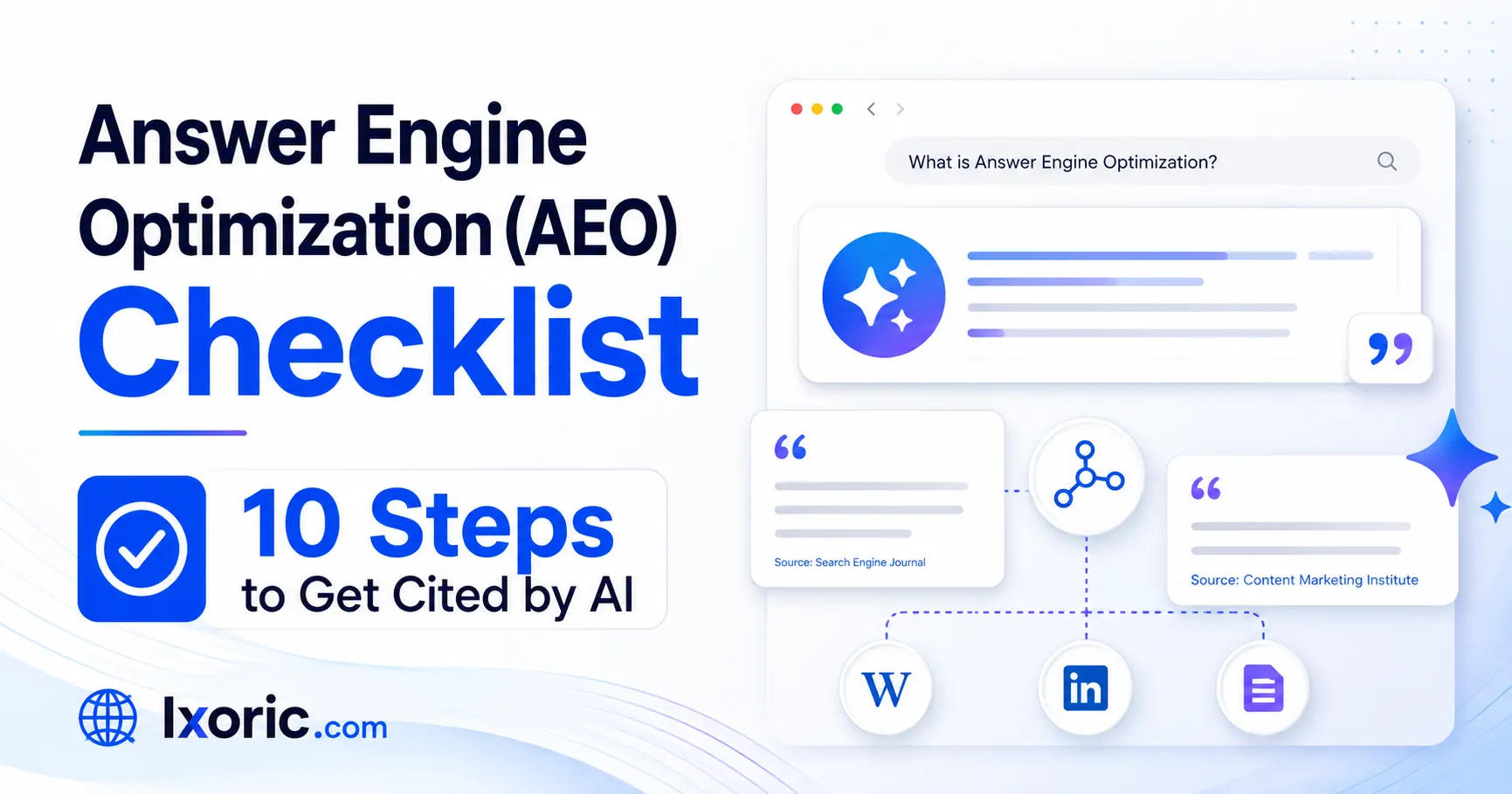
AEO Checklist – Most AEO advice tells you what to do. Very little of it tells you how to know whether you’ve done it well enough.
This checklist is built to be run against a specific page. Each step has a clear pass/fail test, a rough time estimate, and a priority tier — so you can audit a page in about 30 minutes and come out with a ranked list of what to fix rather than a vague sense that “the content could be better.”
Work through it in order. The early steps are foundations; there’s no point optimizing your heading structure if AI crawlers can’t reach the page in the first place.
Priority key:
🔴 Critical — fix before anything else
🟡 High — significant impact on citation likelihood
🟢 Refinement — worth doing once the above are handled
1. Confirm AI Crawlers Can Reach the Page 🔴
Time: 10 minutes (sitewide, done once)
If the bots can’t fetch your page, nothing else on this list matters.
How to test:
- Open yoursite.com/robots.txt and check that GPTBot, OAI-SearchBot, ClaudeBot, PerplexityBot, Googlebot, and Bingbot aren’t disallowed
- Check your CDN or firewall settings for bot-protection rules that block unknown user agents
- Review server logs for the past 30 days and confirm these bots are actually hitting your pages
✅ Pass: All relevant crawlers are permitted and visible in your logs.
❌ Fail: Any of them are blocked, or your logs show zero AI bot activity.
Note: If you want to block AI training but stay visible in AI search, block GPTBot and allow OAI-SearchBot. Blocking both removes you from ChatGPT’s results entirely.
2. Verify the Page Renders Without JavaScript 🔴
Time: 5 minutes per page template
Several AI crawlers have weaker JavaScript rendering than Googlebot. Content that only appears after client-side execution may effectively not exist for them.
How to test: Disable JavaScript in your browser and reload the page.
✅ Pass: Headings, body copy, and key content are all visible.
❌ Fail: The page is blank, or main content is missing.
Fix: Move to server-side rendering or static generation for content pages. This is a development task, not a content one — flag it early because it has the longest lead time.
3. Answer the Question in the First Two Sentences 🔴
Time: 15 minutes per page
This is the single highest-impact content change you can make, and the most commonly failed item on this list.
How to test: Read only the first two sentences under each heading. Ask: could someone who read nothing else get a correct, complete answer to that heading’s question?
- ✅ Pass: Every section opens with a self-contained answer, with context and nuance below.
- ❌ Fail: Sections open with scene-setting, background, or “in this article we’ll explore…”
Example of a fail:
The digital marketing world has changed enormously in recent years. Businesses are adapting to new realities. One of the most talked-about shifts is…
Example of a pass:
Answer Engine Optimization is the practice of structuring content so AI systems can extract it and present it as a direct answer. Unlike traditional SEO, the goal is to be cited within the answer rather than to rank as a link beside it.
4. Make Every Section Independently Understandable 🟡
Time: 20 minutes per page
AI systems process content in chunks. A section that only makes sense after reading the previous three is hard to extract cleanly.
How to test: Copy any single section out of the page and paste it into a blank document. Read it cold.
✅ Pass: It makes sense on its own without the surrounding article.
❌ Fail: It opens with “this,” “it,” or “as we discussed above,” referring to content that’s no longer present.
Fix: Restate the subject at the start of each section instead of using a pronoun. Slight repetition reads fine to humans and dramatically improves extractability.
5. Write Headings That Mirror Real Questions 🟡
Time: 10 minutes per page
Clever headings hurt you here. Descriptive, question-form headings signal exactly what each section answers.
How to test: Read your H2 and H3 in isolation. Would each one plausibly appear as a search query or an AI prompt?
✅ Pass: Headings read like questions people actually ask — “How Do AI Systems Choose What to Cite?”
❌ Fail: Headings are abstract or metaphorical — “The New Search Reality,” “Beyond the Blue Links”
Where to source real phrasing: People Also Ask boxes, your own support tickets, and the questions prospects raise on sales calls.
6. Replace Vague Claims With Specific, Attributable Facts 🟡
Time: 30 minutes per page
Generic statements don’t get cited. Concrete, sourced claims do — because a model can lift them with confidence and attribute them cleanly.
How to test: Scan the page for hedge words — “many,” “significant,” “increasingly,” “a lot of.” Each one is a candidate for replacement with a real number.
✅ Pass: Key claims include specific figures, named sources, or original data from your own work.
❌ Fail: The page could be describing any industry in any year without changing meaning.
- Before: Many businesses are seeing changes in traffic from AI search.
- After: Analysis from the Semrush tool found the overlap between top-ranking Google links and AI-cited sources fell from roughly 70% to under 20%.
The strongest version of this step: publish your own original data. If your agency has aggregate client results, a small internal study, or benchmark data nobody else has, that’s the most durable AI visibility asset you can build. Every time that statistic comes up, you’re the source.
7. Implement Correct Schema Markup 🟡
Time: 20 minutes per page
Structured data doesn’t guarantee a citation, but it removes ambiguity about what your page is, who wrote it, and when it was updated. AI systems parse JSON-LD to confirm these before trusting a page enough to name it.
Minimum viable schema stack:
| Schema Type | Where | Why |
| BlogPosting / Article | Every blog post | Establishes headline, author, dates |
| Person | Author profile, linked from Article | Direct expertise signal |
| Organization | Homepage / About | Defines your brand as an entity |
| FAQPage | Pages with genuine Q&A sections | Clarifies question-answer pairs |
| HowTo | Step-by-step guides | Marks up each step distinctly |
| BreadcrumbList | All pages | Establishes site structure |
How to test: Run the URL through Google’s Rich Results Test.
✅ Pass: Schema validates with no errors, and author, datePublished, and dateModified are all populated with real values.
❌ Fail: No schema, validation errors, or placeholder/missing author and date fields.
Important: Don’t add FAQ schema to invented questions. Manufactured Q&A is increasingly recognized and undermines the trust you’re trying to build.
8. Add Visible Credibility Signals 🟡
Time: 25 minutes per page, plus one-time author page setup
AI systems weigh experience, expertise, authoritativeness, and trustworthiness when choosing sources. These need to be visible on the page, not just implied.
Checklist within the checklist:
- [ ] Named author (not “Admin” or “Team”) with a linked bio page
- [ ] Author bio states relevant credentials or experience
- [ ] Visible publication date and last-updated date
- [ ] At least 3–5 outbound links to primary sources (original research, official docs, government data)
- [ ] First-hand experience markers — “in a client audit we ran,” “across the accounts we manage” — backed by actual specifics
- [ ] Clear contact information and business details accessible from the page
✅ Pass: A stranger could evaluate who wrote this, what qualifies them, and when it was last verified — all without leaving the page.
❌ Fail: Anonymous authorship, no dates, or no outbound citations.
9. Build Topical Depth Around the Page 🟢
Time: Ongoing
A single optimized page rarely earns consistent citations. AI systems favour domains that demonstrate real depth on a subject.
How to test: Count how many substantial pages on your site address the same core topic from different angles.
✅ Pass: The page sits within a cluster — one comprehensive pillar page plus multiple focused cluster articles, all linked bidirectionally.
❌ Fail: It’s a standalone post with no related content and no internal links to or from topically adjacent pages.
Fix: Map your core topic into 6–10 sub-questions, publish a focused page for each, and link every cluster page up to the pillar and back down again.
A caution: structure makes a good page extractable; it doesn’t rescue a thin one. A 400-word page with perfect formatting generally loses to a 2,000-word page with the same formatting and more substance.
10. Test Actual Citations, Not Just Rankings 🟢
Time: 45 minutes monthly
Ranking on page one no longer guarantees appearing in AI answers, and appearing in AI answers doesn’t require ranking on page one. Rankings alone will mislead you.
How to test: Take your 20 highest-value questions and run each one monthly through ChatGPT, Perplexity, Gemini, and Google AI Mode. Log the result in a simple spreadsheet:
| Question | Platform | Date | Cited? | Who was cited instead |
That last column is the most useful one. When a competitor gets cited and you don’t, open their page and compare it against steps 3–8 above. The gap is almost always visible.
Also track: referral traffic from chatgpt.com, perplexity.ai, and similar sources in your analytics. Volume is typically modest, but this traffic arrives with unusually high intent — the visitor has already received a recommendation before clicking.
✅ Pass: You have month-over-month citation data for your priority questions.
❌ Fail: You’re measuring rankings only.
Be realistic about tooling: several platforms now claim to track AI citations automatically. Coverage is partial, and results differ between tools, so treat their data as directional and keep doing manual spot checks.
What about “AEO” and “GEO”? “AEO” stands for “answer engine optimization” and “GEO” for “generative engine optimization”. These are both terms you may see used to describe work specifically focused on improving visibility in AI search experiences. From Google Search’s perspective, optimizing for generative AI search is optimizing for the search experience, and thus still SEO.
AEO Checklist Website Audit within 30 Minutes:
If you only have half an hour per page, run these five:
- Answer in the first two sentences (Step 3)
- Question-form headings (Step 5)
- Specific facts replacing vague claims (Step 6)
- Valid schema with real author and dates (Step 7)
- Visible credibility signals (Step 8)
These five carry most of the weight once the technical foundations in Steps 1 and 2 are in place. If you are looking for an expert in AEO optimization, connect with the Ixoric team.
What This AEO Checklist Won’t Do
Worth being direct about the limits:
- It won’t produce a citation on demand. AI citation is probabilistic, influenced by factors outside your site — including how your brand is discussed elsewhere on the web.
- It won’t replace off-page work. Third-party mentions on industry publications, community platforms, and review sites often decide which of several eligible pages gets chosen. On-page work makes you eligible; reputation frequently makes you selected.
- It won’t restore traffic volume to pre-AI levels. Being cited inside an answer often resolves the user’s question without a click. The return is brand authority and higher-intent visitors, not raw sessions.
Treat this list as the controllable half of the equation. Get it right, then invest in the reputation side.
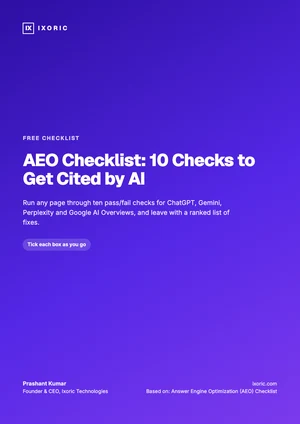
Free checklist · PDF
AEO Checklist: 10 Checks to Get Cited by AI
- Pass/fail tests for ChatGPT, Gemini and AI Overviews
- Priority and time estimate for each check
- A monthly AI citation log
Your checklist is ready.
Download the PDFWas this article helpful?
What was wrong with it?
Take this article to your AI
Get a summary, ask questions, or turn these ideas into a plan for your team.
Opens your AI with the article ready to go — for Gemini, the prompt is copied so you just paste.
Get new articles from Ixoric
Practical SEO, AI search and growth guides, about twice a month. No spam, unsubscribe any time.
You're subscribed
We'll send you new articles as they're published.
Follow us on Google
Add Ixoric as a preferred source to see our articles first in Google results.