Your profile, password, sessions and appearance
Update your name, photo and email, change your password, sign out of all devices and choose light or dark mode and an accent colour.
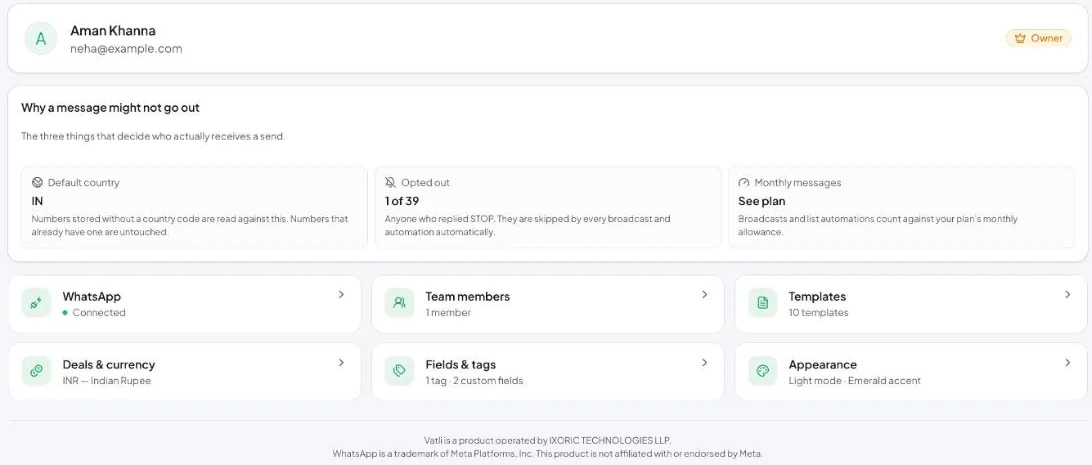
Settings → Overview also shows the three things that decide who receives a send: your Default country for numbers without a country code, how many contacts have Opted out, and your Monthly messages allowance.
Your profile
Go to Settings → Your profile.
- Photo — PNG, JPG, WebP or GIF, up to 2 MB.
- Display name — shown in the header, sidebar and to teammates.
- Email — when you change it, both the old and the new address must confirm before it takes effect.
Click Save changes.
Password and sessions
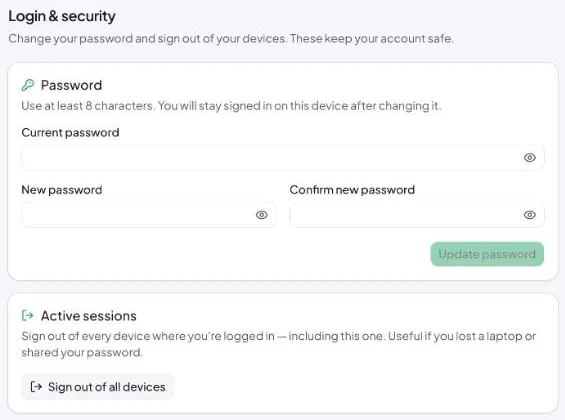
- Go to Settings → Login & security.
- Enter your Current password, a New password (at least 8 characters) and confirm it.
- Click Update password. You stay signed in on this device.
Sign out of all devices signs you out everywhere, including this browser. Use it if you lost a laptop or shared your password.
Forgot your password? Click Forgot password? on the sign-in page.
Appearance
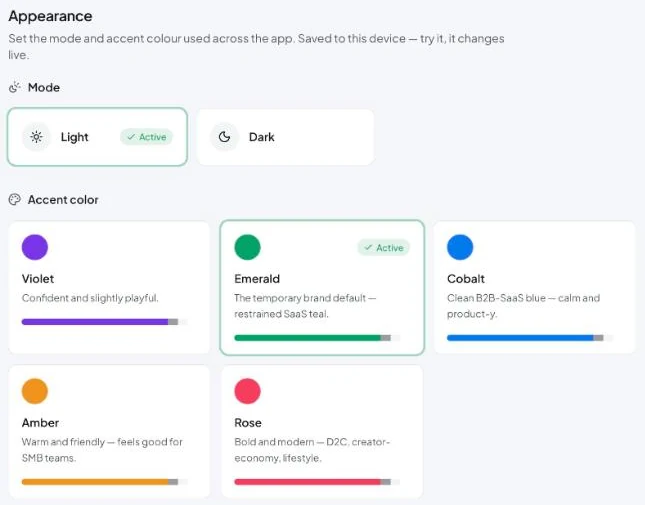
Go to Settings → Appearance:
- Mode — Light or Dark. You can also switch from the sun/moon icon in the header.
- Accent color — Violet, Emerald, Cobalt, Amber or Rose.
Appearance is saved on this device and changes live.
Notifications
The bell icon in the header opens your Notifications. The speaker icon turns the Message sound on or off.